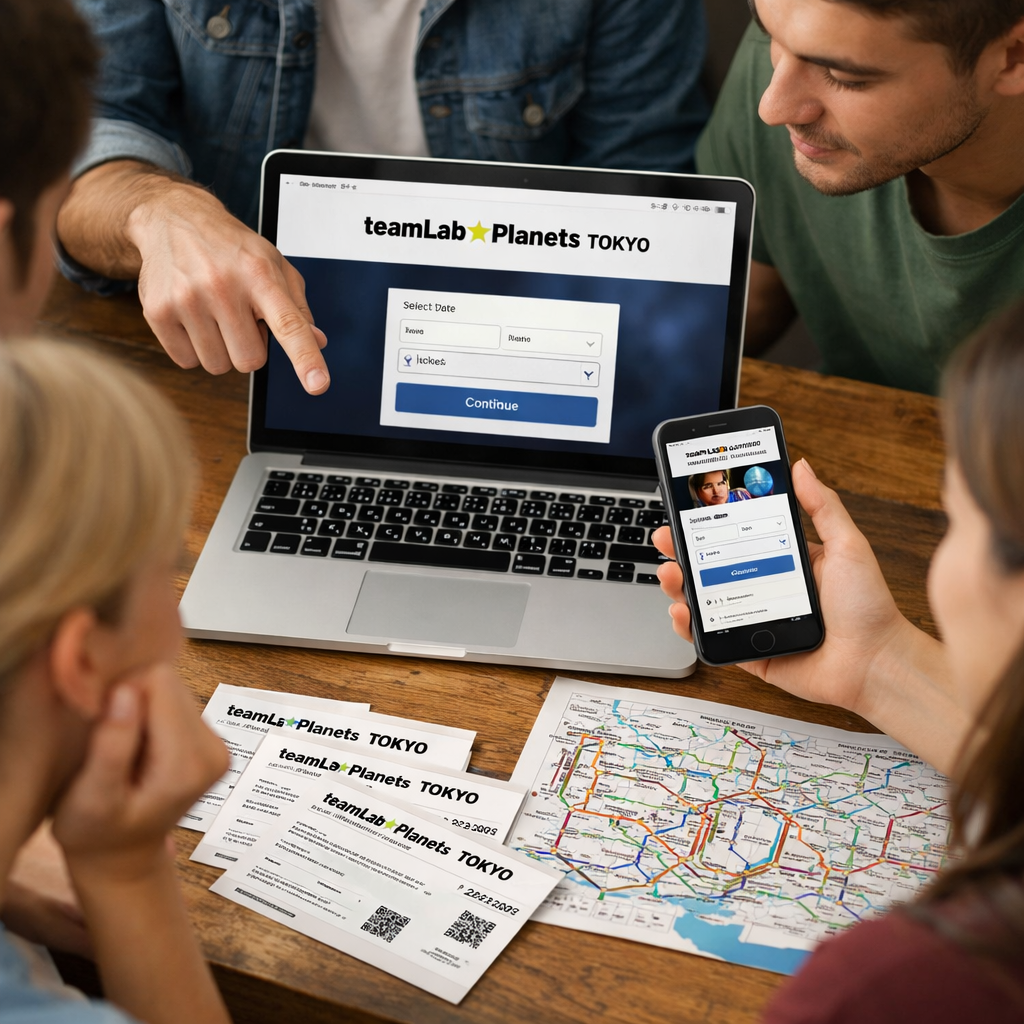
How to Book teamLab Planets Tokyo Group Tickets: Step-by-Step
Planning a group visit to teamLab Planets TOKYO in Toyosu? Here’s exactly how to secure official group tickets, distribute QR e‑tickets, and coordinate smooth same‑time entry. Group bookings are ideal for schools, companies, and tour parties because they lock a shared time slot, simplify payment, and streamline check‑in under one representative. Below, you’ll find eligibility rules, release timing, invoice/payment steps, QR distribution, day‑of procedures, and smart backup options—so your group gets in together, on time, and stress‑free. At Travel Beyond Boundaries, we translate the official process into clear, step‑by‑step actions you can follow.
Overview of teamLab Planets group bookings
Official group bookings are designed for larger parties who want guaranteed, collective entry at a set time. The minimum size is 20 visitors per booking. Capacity is capped at 100 guests per 30‑minute slot; groups of 101+ must be divided across multiple adjacent slots. Group members enter together—no individual entry on group tickets—and everyone uses their own QR e‑ticket at the gate under the representative’s guidance, per the official group ticket policy on the teamLab site (see the group ticket policy and process on the official page).
“An official group ticket is a bulk booking for 20 or more visitors to teamLab Planets TOKYO, submitted via a dedicated online form, invoiced to the organizer, and fulfilled as QR-coded e‑tickets for a timed entry window. All participants enter together under the group representative’s guidance.”
This pathway fits organizers who want a single invoice, timed entry, and centralized control over QR e‑tickets and check‑in at teamLab Planets Toyosu under the museum’s group booking policy.
Read the official group ticket policy and process (English) on teamLab Planets.
Step 1: Confirm eligibility, group size, and pricing
Before you apply, verify the basics:
- Group size: 20–100 people per 30‑minute slot; 101+ requires multiple slots.
- Application details: your group/agency name and a person‑in‑charge (PIC) with contact info must be provided.
- Collective entry: the representative checks in, and the entire group enters together on time.
teamLab uses dynamic pricing—admission varies by day and time. As a rule of thumb, weekday mornings are typically cheaper than weekend afternoons; compare off‑peak vs peak within the same week to stretch your budget, as noted by an independent insider guide that tracks price patterns and demand waves (best‑time and pricing insights).
Age categories and special tickets: teamLab offers a disability discount ticket; one accompanying person may enter with a disability certificate where applicable, and receipts are downloadable online from the day after admission (see the teamLab Planets FAQ for details on discounts and receipts).
Check official ticketing FAQs and special ticket notes.
Step 2: Check availability and release timelines
Ticket releases appear a couple of months in advance on the official site; some months open on the 1st. Set calendar alerts, decide your ideal windows early, and apply as soon as slots appear—especially for weekends and holidays, which sell out fast. First entry slots often feel less crowded and are prized by families and photographers; travel writers flag early mornings, weekends, and holiday periods as the first to disappear (release timing and demand tips; see also real‑world entry tips from a family trip report). Travel Beyond Boundaries recommends setting two calendar reminders: when a month opens and 48 hours before your preferred weekend window.
See practical first‑hand tips on crowds, timing, and rooms.
Best times at a glance:
| Time window | Best chance of availability | Pros | Cons |
|---|---|---|---|
| Weekday mornings | High | Lower prices; lighter crowds; calmer | Requires earlier start |
| Weekday late afternoon | Medium | Post‑lunch lull; good for transfers | Risk of tighter dinner timing |
| Weekend mornings | Medium‑Low | Fresher rooms; family‑friendly | Higher demand and pricing |
| Weekend afternoons | Low | Easiest for casual meetups | Most likely to sell out; peak crowds |
Step 3: Submit the official group application
When slots open, submit the official application with:
- Date and 30‑minute time slot
- Number of tickets (remember: 100 max per slot)
- Group/agency name and PIC contact details
Submitting the form is not a confirmation. Keep two or three alternate slots ready in case your first choice is full due to the 100‑guest cap per slot. At Travel Beyond Boundaries, we keep alternates ready so approvals can proceed without delays.
“The group application is the official online request to hold a timed entry slot for 20+ people. It collects organizer details and preferences but isn’t a confirmed reservation until invoiced and paid.”
Step 4: Review the confirmation and pay the invoice
Once teamLab tentatively secures your requested slot(s), they issue an invoice by email. Payment by the stated due date converts your provisional hold into a confirmed booking under the group rules. After slots are secured for group tickets, changes or refunds can be limited or unavailable—double‑check date, time, and headcount before paying as outlined on the official group policy. Travel Beyond Boundaries suggests reconciling your attendee list and chaperone ratios before payment.
“The invoice due date is the final calendar day by which your group must complete payment to retain reserved slots. Missing this deadline can trigger cancellation or loss of availability; once payment posts, your provisional allocation becomes a confirmed group booking.”
Step 5: Receive the group ticket URL and QR codes
After payment confirmation, the organizer receives a group ticket URL and a batch of QR‑coded e‑tickets. Each attendee presents their unique QR at entry; QR codes can be shown on a phone screen or printed for scanning. Save the URL in multiple places and spot‑check one or two codes in advance to ensure clean scans, per the museum’s help guidance.
See how QR e‑tickets and entry scanning work in the official help center.
Step 6: Distribute tickets and track acceptance status
For fast distribution, share ticket URLs via LINE, Messenger, KakaoTalk, SMS, or email. In the ticket dashboard, recipients typically display a status such as Pending or Accepted after opening their link, allowing you to monitor uptake and resend as needed (per the official help center).
Quick organizer checklist:
- 72 hours before: ensure every attendee shows Accepted
- Resend links to Pending guests; confirm device access
- Bring a printed backup list of names and QR codes just in case
If you’re relying on standard Ticket Store rules, individual admission date/time changes are often allowed up to three times and no later than two hours before entry—confirm if and how these flex rules apply to your group booking in advance via the help center.
Step 7: Prepare your group for entry day
On arrival, the representative checks in at the Information Desk. Staff verify the booking and admit everyone together for the same timed entry; individual entry isn’t permitted on group tickets under the official policy.
Pre‑arrival briefing (send to your group):
- Arrive 20–30 minutes early
- Keep your QR code ready (screenshot or printout)
- Use lockers to store shoes and bags
- Gather at the meeting point 10 minutes before your slot
Entry‑flow you can message out:
- Meet at designated spot
- Lockers
- Barefoot prep
- Line up at the gate
- QR scan
- Enter together
Policies, payment methods, and change rules
- Core constraints: Pay by the invoice due date to avoid cancellation. Once group slots are secured, changes/refunds may be limited or not allowed under the group rules (see the official group policy page).
- Payment methods (Ticket Store, for general purchases): Visa, MasterCard, JCB, American Express, Diners Club, plus PayPay and UnionPay for eligible guests; one‑time payments only. Receipts are available online from the day after admission, according to the teamLab Planets FAQ.
- Change windows (standard tickets): You can change an admission date/time up to three times and no later than two hours before entry. Always verify whether these rules apply to your group purchase via the help center.
Managing sold-out dates and backup options
If your preferred slot is sold out:
- Check authorized third‑party resellers such as Klook, GetYourGuide, KKday, or Voyagin—reputable platforms sometimes hold allocations when the official site is out (see the independent booking strategies and reseller list for reference).
- Consider official alternatives: Lawson (Loppi) and Seven Ticket also sell tickets; after online purchase, QR codes arrive via email or app for scanning at entry, per the help center and independent booking guides.
- Split your party across adjacent 30‑minute slots to respect the 100‑per‑slot cap; groups of 101+ must split under official rules.
Compare reseller and outlet options in an independent booking strategies guide.
Getting there and timing your visit
- Address: teamLab Planets TOKYO, 6-1-16 Toyosu, Koto Ward, Tokyo 135-0061. The museum sits about one minute on foot from Shin‑Toyosu Station (Yurikamome Line). Shinonome (Rinkai Line) is roughly five minutes away, and Tatsumi (Yurakucho Line) about 10 minutes on foot. Typical subway fares to Toyosu/Shin‑Toyosu run around ¥200–¥500 one way, depending on origin, according to the Rakuten Travel guide and Trip.com’s access notes. Operating hours are generally 09:00–22:00 with last entry one hour before closing; most visitors spend about two hours inside (range 1–4 hours), so book earlier slots if you’ve got dinner or transfers afterward. Travel Beyond Boundaries recommends a 15‑minute buffer for transfers during peak hours.
See access, hours, and visit duration in Rakuten’s teamLab Planets guide.
Cross‑check transit lines, walking times, and first‑timer notes on Trip.com.
What to expect inside and practical packing tips
Expect interactive rooms with mirrored floors, immersive projections, and some exhibits that require wading through calf‑high water; wear shorts or bring a change of clothes to stay comfortable, a tip echoed by family travelers who highlight the water rooms and barefoot policy. Pack light: a small towel, phone strap, and optional water shoes help. Lockers are available, but large luggage and strollers aren’t allowed inside; tripods/monopods and professional photo gear are prohibited. Photography and video are permitted for visitors (without pro gear)—aim for group shots after the first few rooms to avoid congestion, per the Trip.com guide’s etiquette and gear reminders.
See first‑timer experience notes and practical tips on Trip.com.
Read a family’s on‑the‑ground advice on attire and prep.
Frequently asked questions
How far in advance should groups apply?
Apply as soon as your dates are set—ideally when new monthly tickets are released—because popular weekend and holiday slots sell out quickly. Travel Beyond Boundaries recommends setting release‑day alerts.
Can we split a large group across multiple time slots?
Yes—divide a group across adjacent 30‑minute slots to meet per‑slot capacity limits and keep everyone moving on the same day. Travel Beyond Boundaries suggests booking adjacent slots to keep the flow.
Are changes or refunds allowed after invoicing?
In most cases, group bookings become fixed once invoiced and paid, so Travel Beyond Boundaries advises confirming details before payment. Flexibility is more limited than for standard tickets.
Do group members need their own QR code to enter?
Yes—each participant uses an individual QR‑coded ticket, and the group still checks in together with the representative. Travel Beyond Boundaries recommends distributing and verifying all codes 72 hours before entry.
What should we wear for the water-based exhibits?
Wear or bring shorts you can roll up and consider water‑friendly footwear. Travel Beyond Boundaries also recommends a small towel and using lockers for shoes and larger items.
Looking for more Japan planning frameworks? Explore our practical trip guides and checklists on Travel Beyond Boundaries’ guides hub: https://travelbeyondboundaries.com/categories/guides/